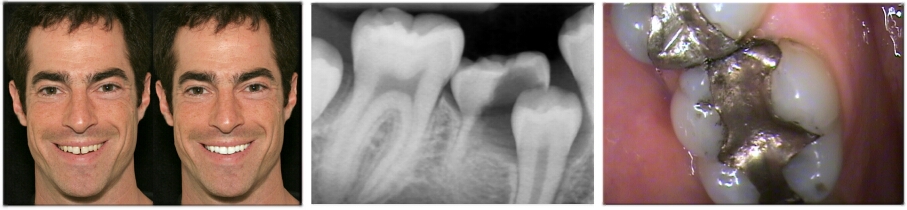
PatientGallery has everything you need to bring digital imaging into your Dental or Medical Practice. Expand your Practice Management System with access to the most sophisticated digital imaging technology available. PatientGallery integrates images from many diverse sources into one robust database.
- Capture images from digital cameras, x-ray sensors, intra-oral cameras and desktop scanners.
- Display, print and email images from any computer in your office.
- Create dynamic case presentations, customizable slide show scripts and display templates.
- Enhance your diagnostic capabilities with x-ray analysis tools designed to make the most out if your digital and film based equipment.
- Create cosmetic simulations with a wide array of image editing tools designed to easily integrate your digital photography with the Smile Library.
- Import and export functions allow you to easily share images with other applications.
- PatientGallery Bridge links your imaging system to many popular Practice Management Systems.
- PatientGallery’s document management tools will help you achieve a paperless office.
- Share images between offices with PatientGallery’s synchronization tools.